GTA 5 Mod Installation Guide: Tools, Steps, and Tips
Learn how to install mods for GTA 5 on PC with this beginner-friendly guide. Includes required tools, step-by-step instructions, and safety tips.
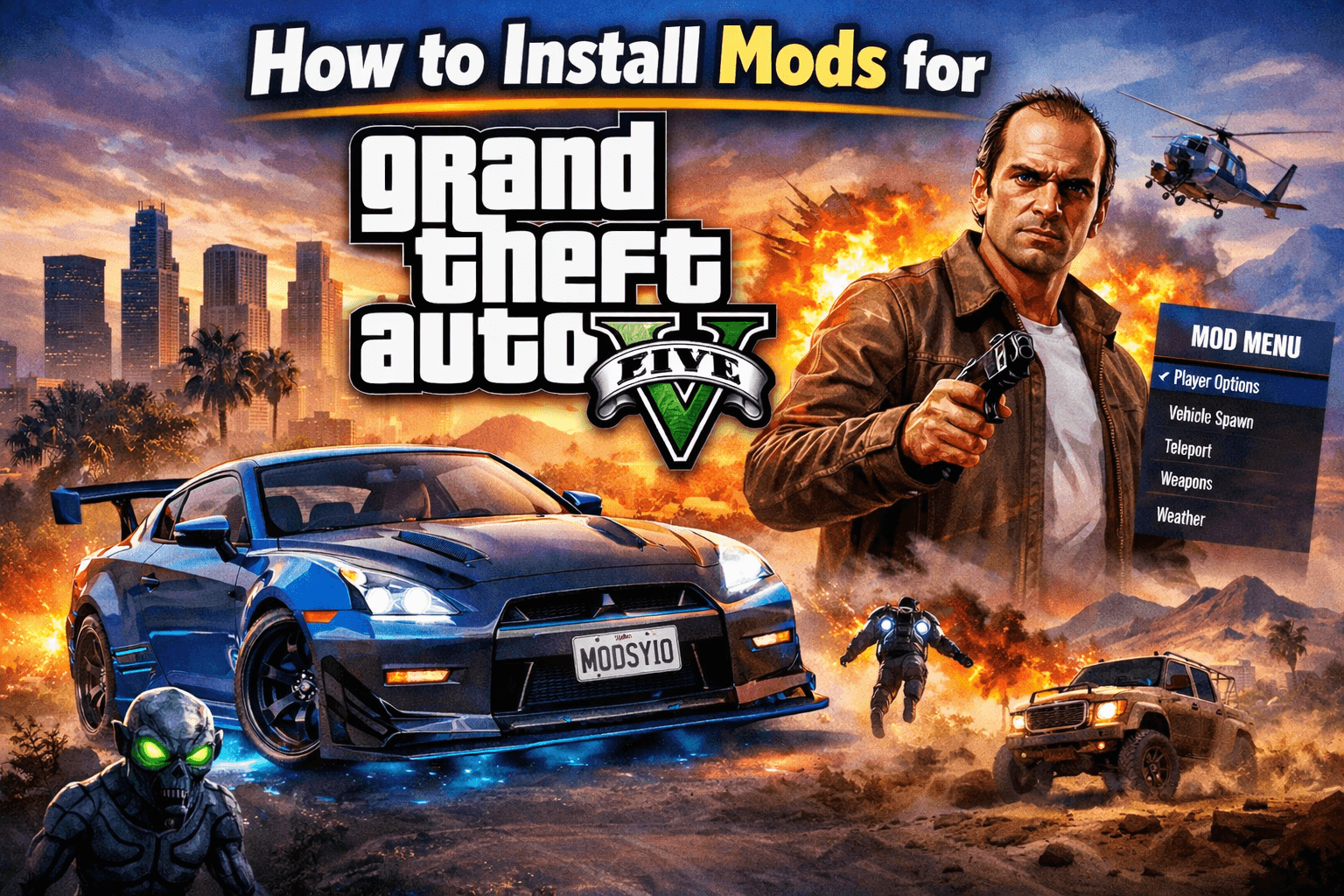
Modding Grand Theft Auto V (GTA 5) lets you add new cars, realistic graphics, gameplay tweaks, and fun scripts to the single-player mode. If you’ve never installed a GTA 5 mod before, don’t worry — this guide walks you through everything step by step.
⚠️ Important: Mods are meant for single-player only. Using mods in GTA Online can get you banned. Always keep mods disabled when playing online.
What You Need Before Installing Mods
Before downloading any mods, make sure you have:
A PC version of GTA 5 (Steam, Epic Games, or Rockstar Launcher)
GTA 5 fully updated
Basic file-copy knowledge (drag & drop)
It’s also highly recommended to back up your GTA 5 folder before modding.
Most Popular GTA 5 Modding Tools (Required)
These tools are used by almost every GTA 5 mod. Install them before adding mods.
🔧 OpenIV
Website: https://openiv.com
OpenIV is the core GTA 5 modding tool. It lets you edit game archives, install add-on cars, replace textures, and manage mod folders.
Why you need it:
Access GTA 5 game files
Install car, map, and graphics mods
Use Mods Folder (safe modding without touching original files)
🔧 Script Hook V
Website: http://www.dev-c.com/gtav/scripthookv/
Script Hook V is required for script-based mods such as trainers, gameplay mods, and custom scripts.
Why you need it:
Enables
.asiscript modsRequired for most trainers and gameplay mods
🔧 Script Hook V .NET (Optional but Common)
Website: https://github.com/crosire/scripthookvdotnet
Some mods are written in C# and require Script Hook V .NET.
Why you need it:
Runs advanced .NET script mods
Required by many modern gameplay mods
Step-by-Step: How to Install GTA 5 Mods
Step 1: Locate Your GTA 5 Folder
Depending on where you bought the game:
Steam:
SteamLibrary\steamapps\common\Grand Theft Auto VEpic Games:
Epic Games\GTAVRockstar Launcher:
Rockstar Games\Grand Theft Auto V
This is your main GTA 5 directory.
Step 2: Install OpenIV
Download OpenIV from the official website
Run OpenIV and select Windows
Point it to your GTA 5 installation folder
Enable Mods Folder when prompted
✔️ This creates a safe /mods directory for modding.
Step 3: Install Script Hook V
Download Script Hook V
Extract the ZIP file
Copy these files into your GTA 5 folder:
ScriptHookV.dlldinput8.dll
That’s it — Script Hook V is now active.
Step 4: Install a Mod
Most GTA 5 mods fall into one of these types:
🚗 Add-On Cars
Installed using OpenIV
Files go into:
mods\update\x64\dlcpacksRequires editing
dlclist.xml
🎮 Script Mods / Trainers
Usually
.asior.dllfilesCopy directly into the GTA 5 root folder
🌆 Graphics Mods
Installed via OpenIV
May replace textures or shaders
Always read the mod description carefully
📌 Always follow the mod’s install instructions, as each mod can be different.
Recommended Beginner Mods (Optional)
Once everything is set up, beginners often start with:
Simple trainers (spawn cars, teleport, god mode)
Realistic car packs
Visual enhancement mods
Police or roleplay mods (single-player)
Common Problems & Tips
❌ Game crashes on launch → Mod may be outdated
❌ Script Hook V not working → GTA 5 updated, Script Hook V not yet updated
✔️ Keep mods inside the mods folder when possible
✔️ Disable mods before playing GTA Online
Final Notes
GTA 5 modding is easy once your tools are installed. Start small, read mod instructions carefully, and always keep backups. With the right setup, you can completely transform your single-player GTA 5 experience.
Comments
Comments loading…