Start Sharing Your Mods on Modsy
Becoming a modder takes less than 2 minutes. Follow these simple steps and publish your first mod.
Setup time
Under 2 min
Clear process
8 simple steps
Next action
Activate and upload
Modder Dashboard
Publish Flow Preview
Upload New Mod
Title, media, file, changelog
Progress
8 steps
A short setup before your first submission.
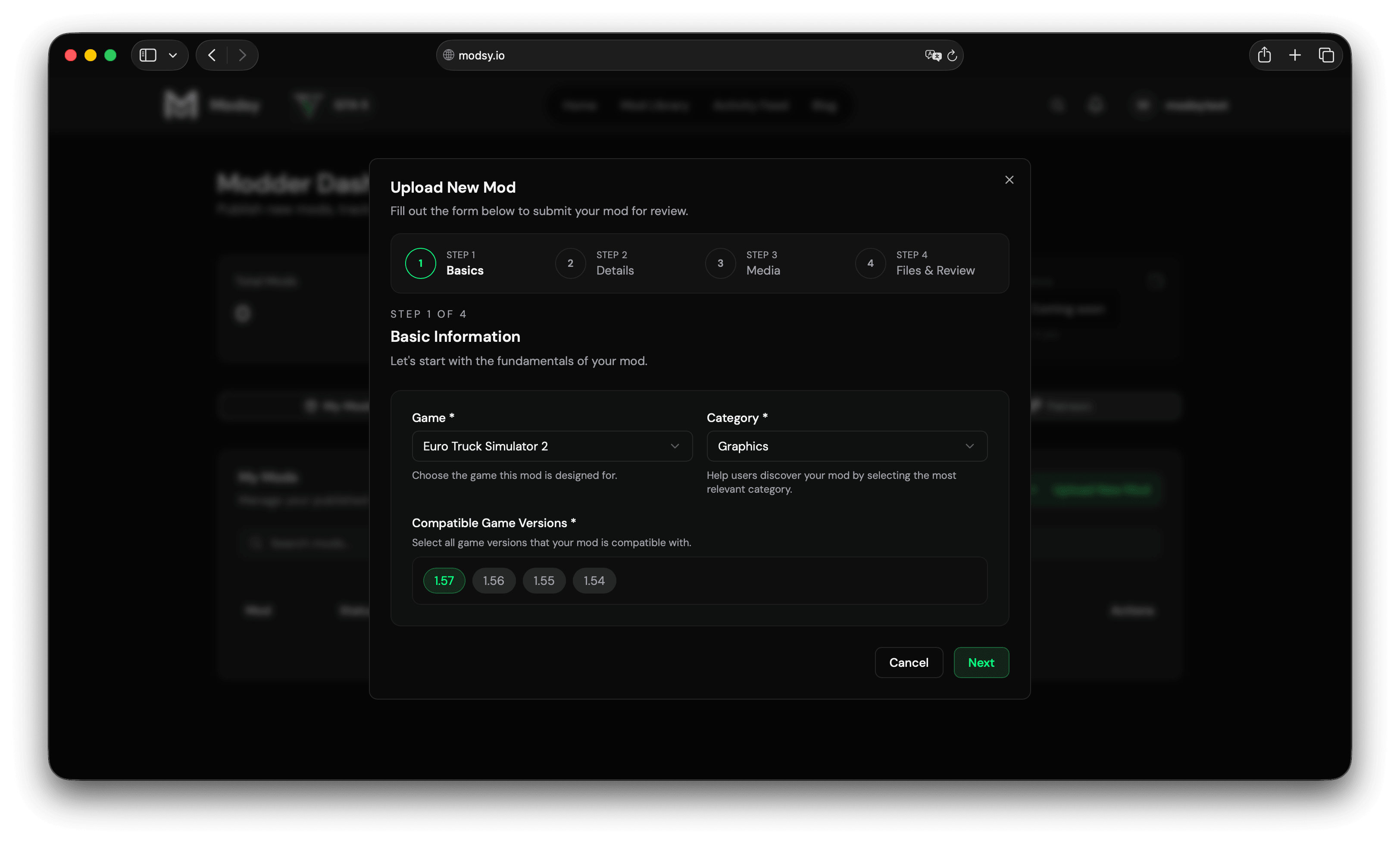
Click to enlarge
Quick Overview
8 simple steps
Scan the full flow first, then jump into the dashboard checklist when you are ready.
01
Register
02
Dashboard
03
Verify Email
04
Accept Rules
05
Upload
06
Fill Details
07
Submit
08
Get Approved
Step-by-Step Guide
From signup to your first live mod
Step 01
Create Your Account
Sign up on Modsy and log into your account.
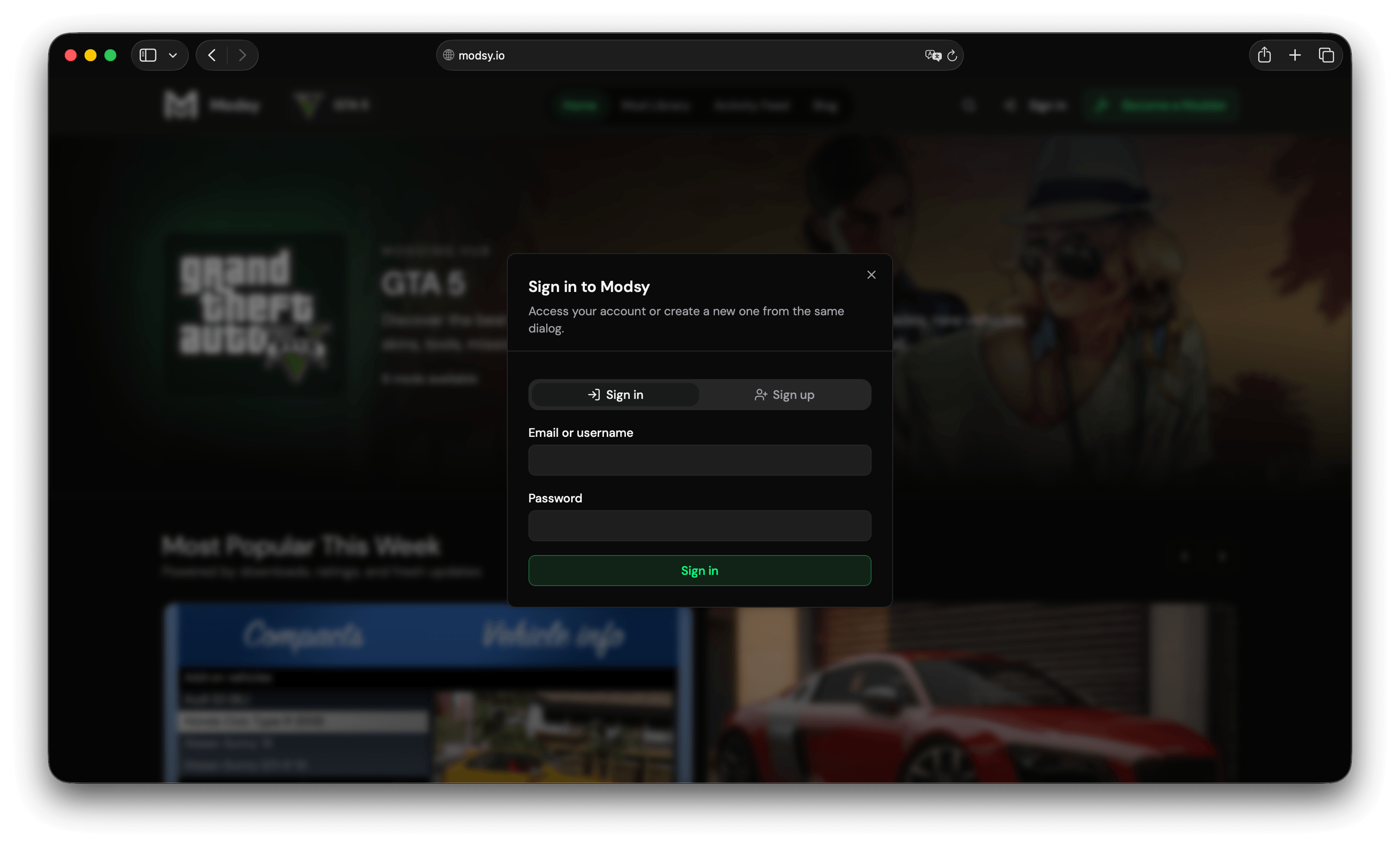
Click to enlarge
Step 02
Open the Modder Dashboard
Choose 'Become a Modder' in the navigation to open the dashboard onboarding checklist.
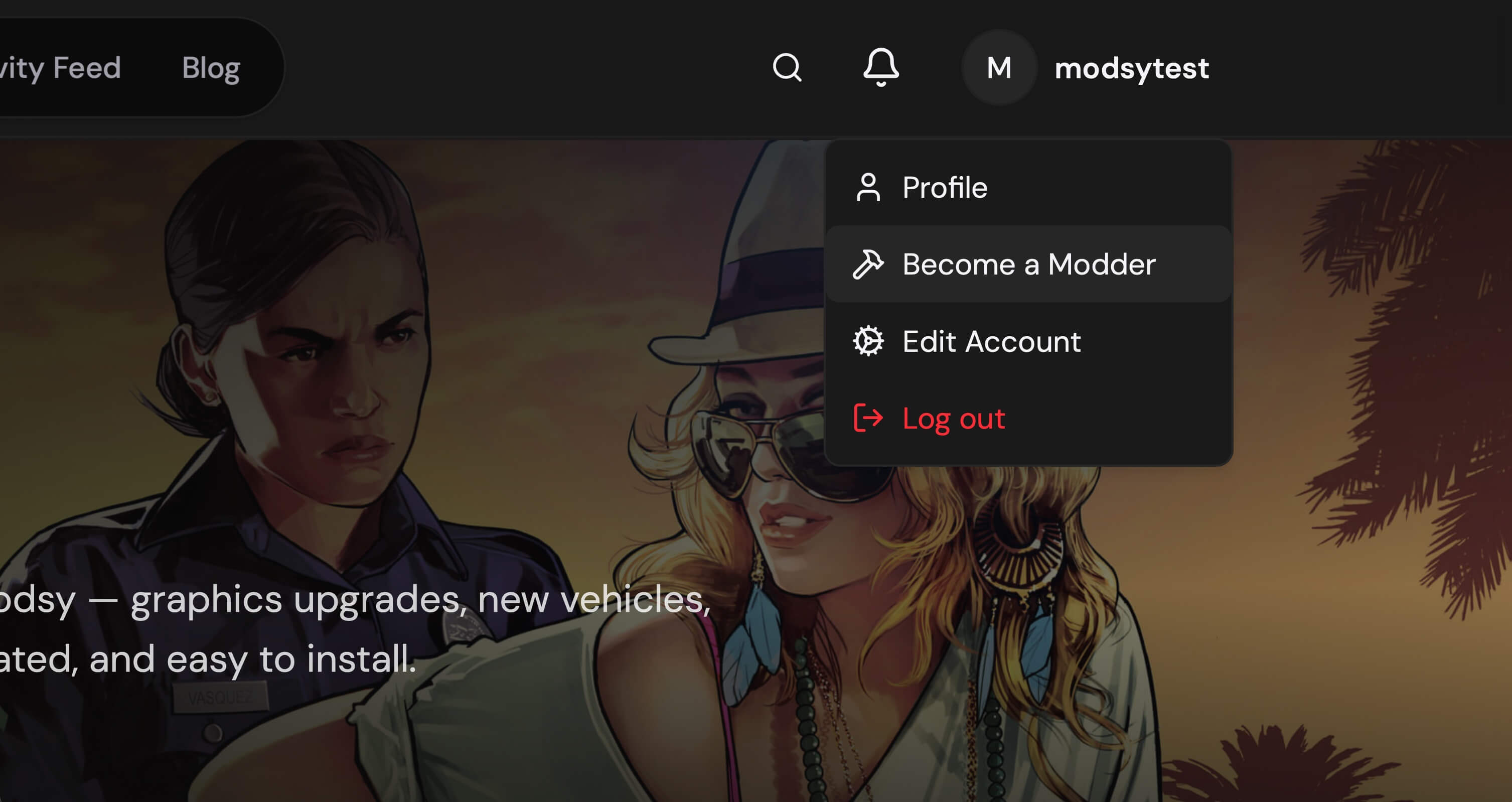
Click to enlarge
Step 03
Verify Email and Accept Rules
Complete email verification, open the Modder Rules dialog, read the requirements, and approve them to activate your modder account.
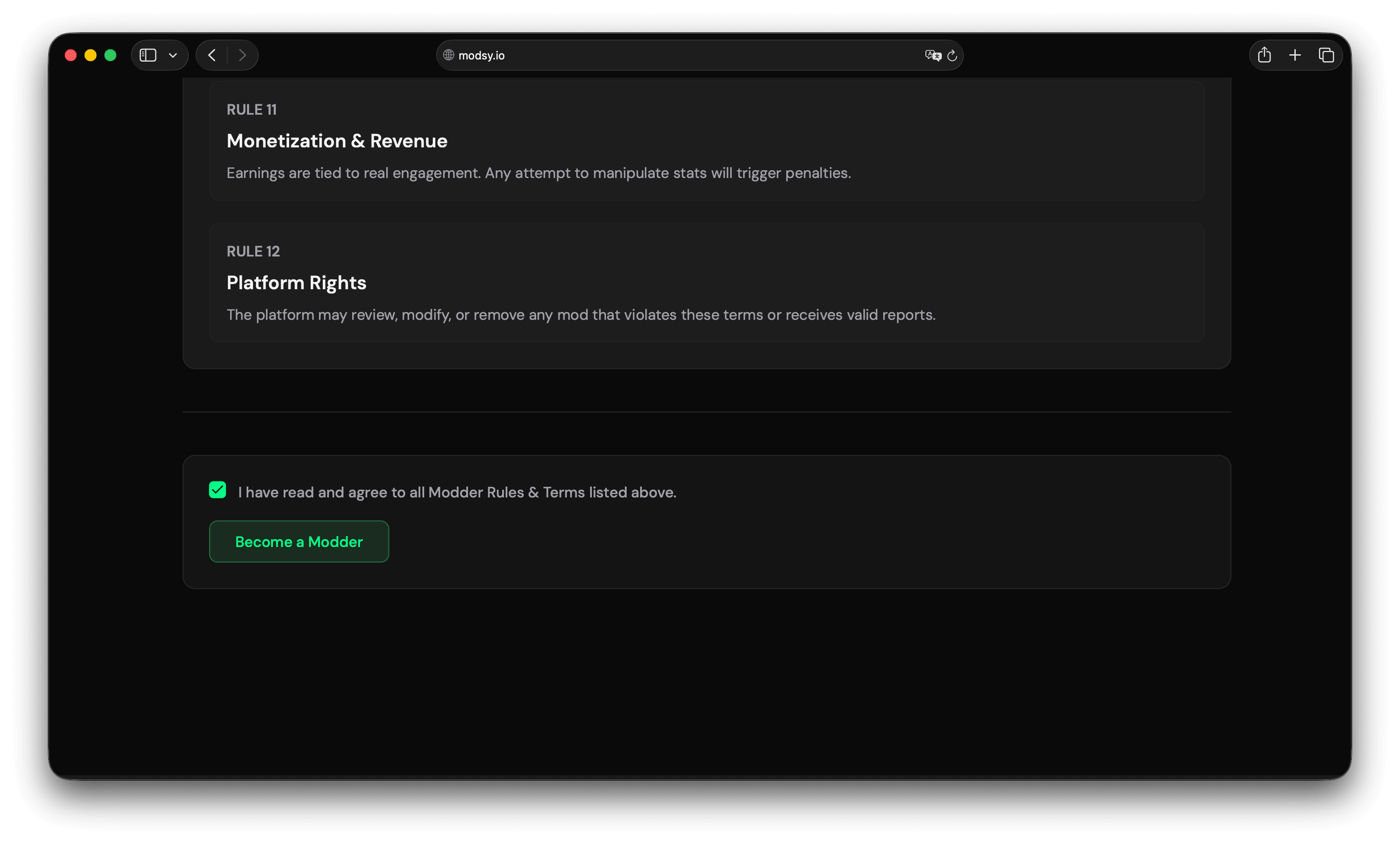
Click to enlarge
Step 04
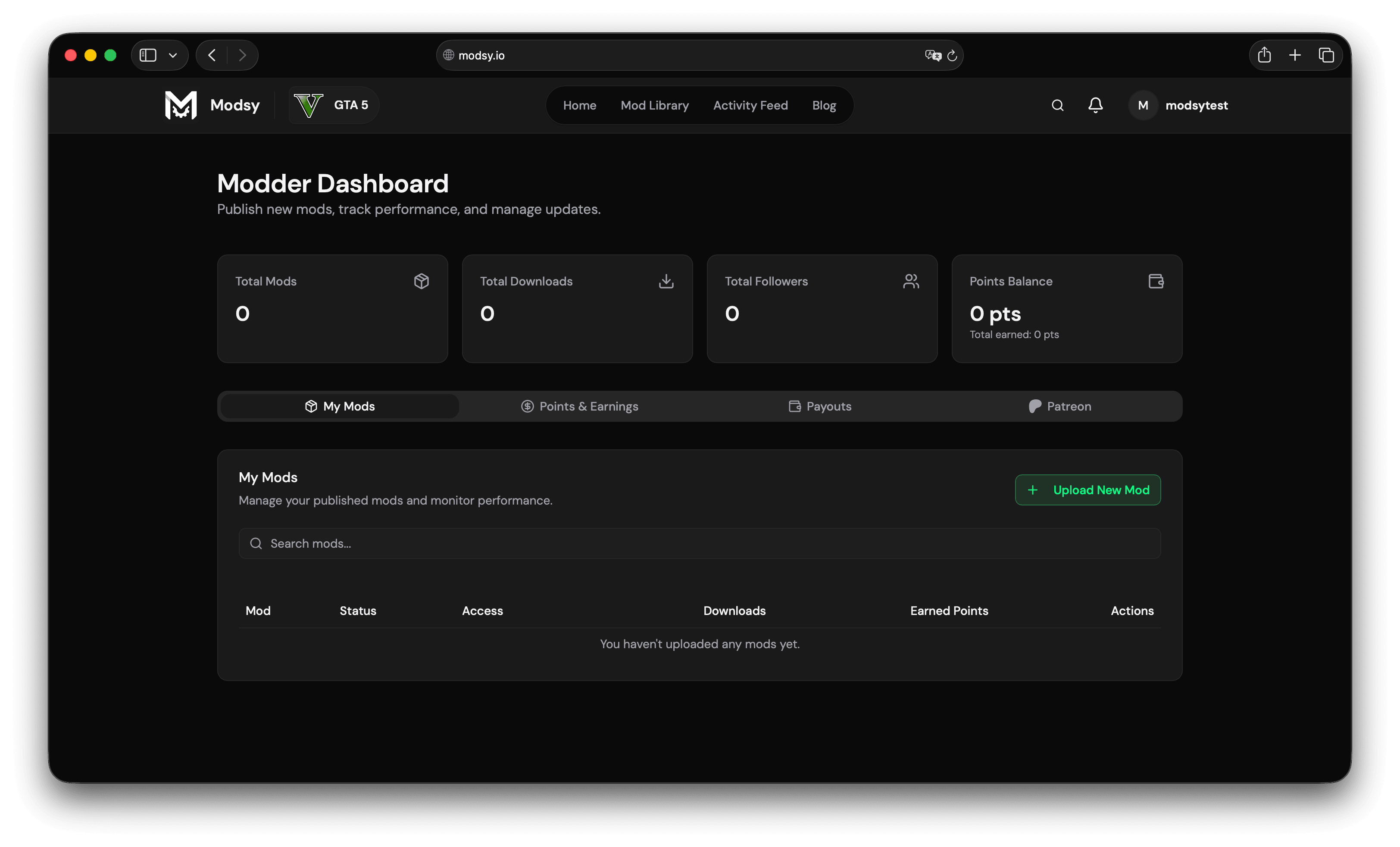
Unlock Dashboard Tools
The dashboard tabs become available immediately after both activation steps are complete.
Click to enlarge
Step 05
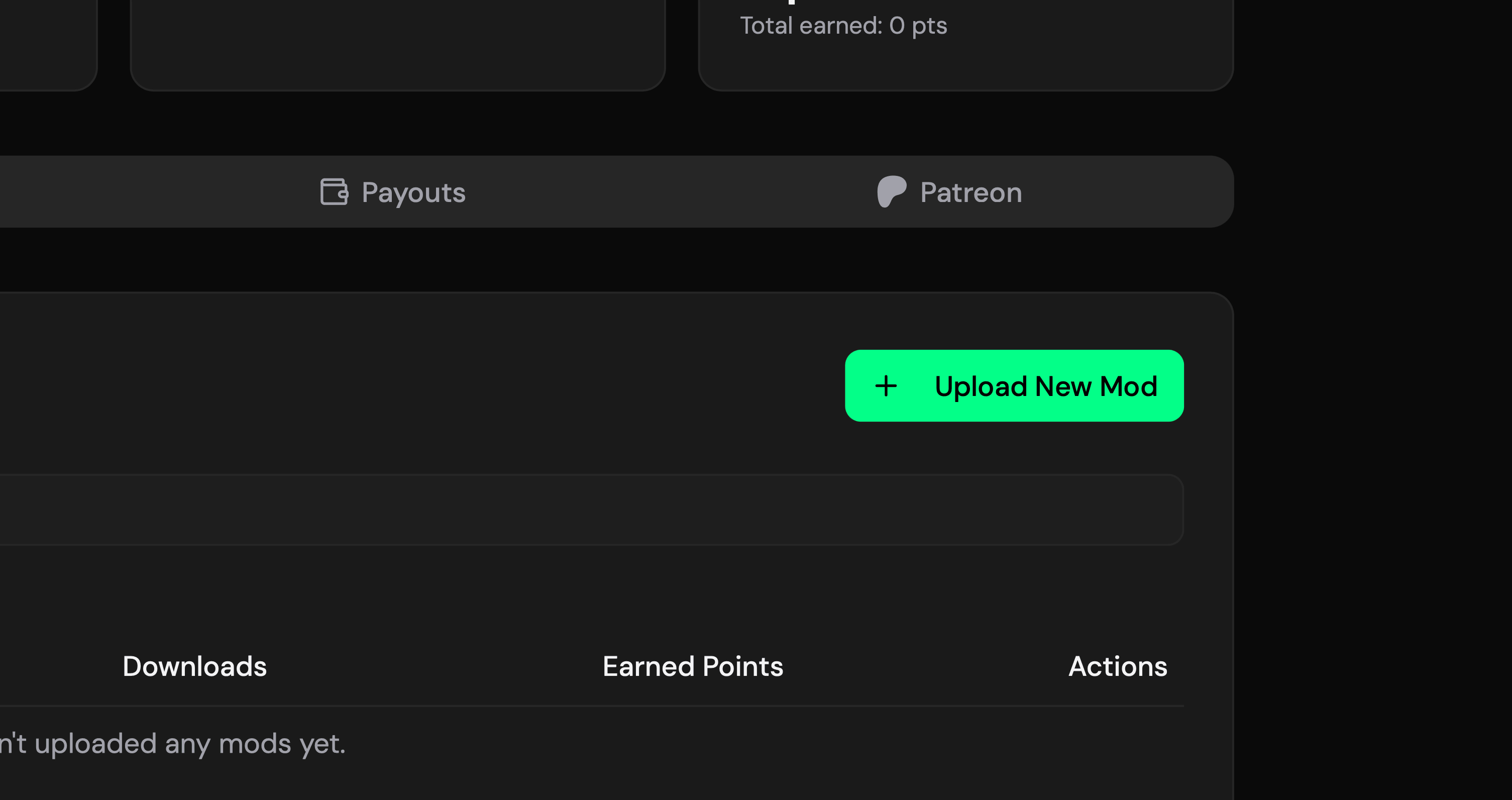
Upload New Mod
Click 'Upload New Mod' from your dashboard.
Click to enlarge
Step 06
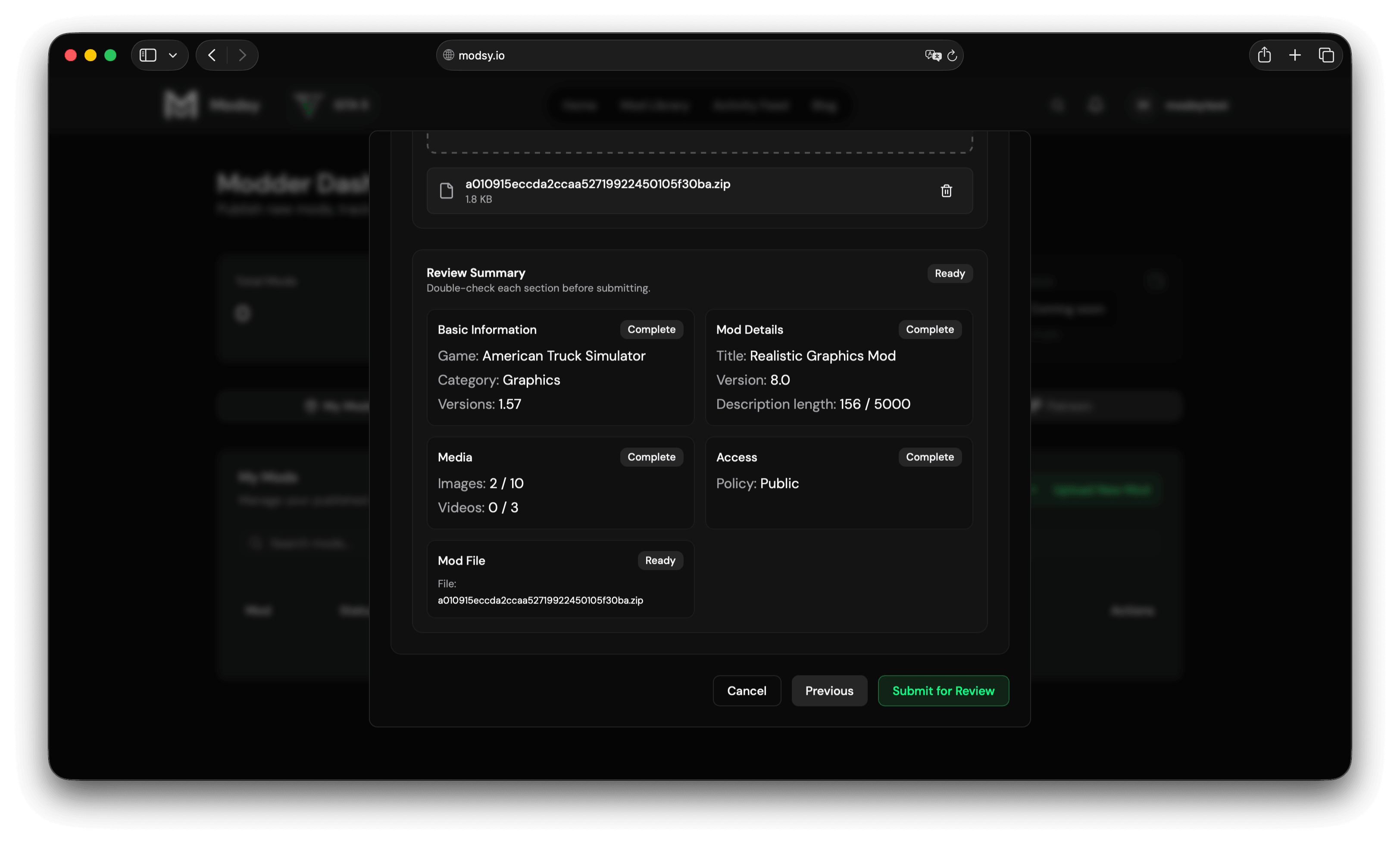
Fill Mod Details
Select the game, category, compatible versions, title, description, and changelog.
Click to enlarge
Step 07
Submit for Review
Click 'Submit for Review' after completing the form.
Click to enlarge
Step 08
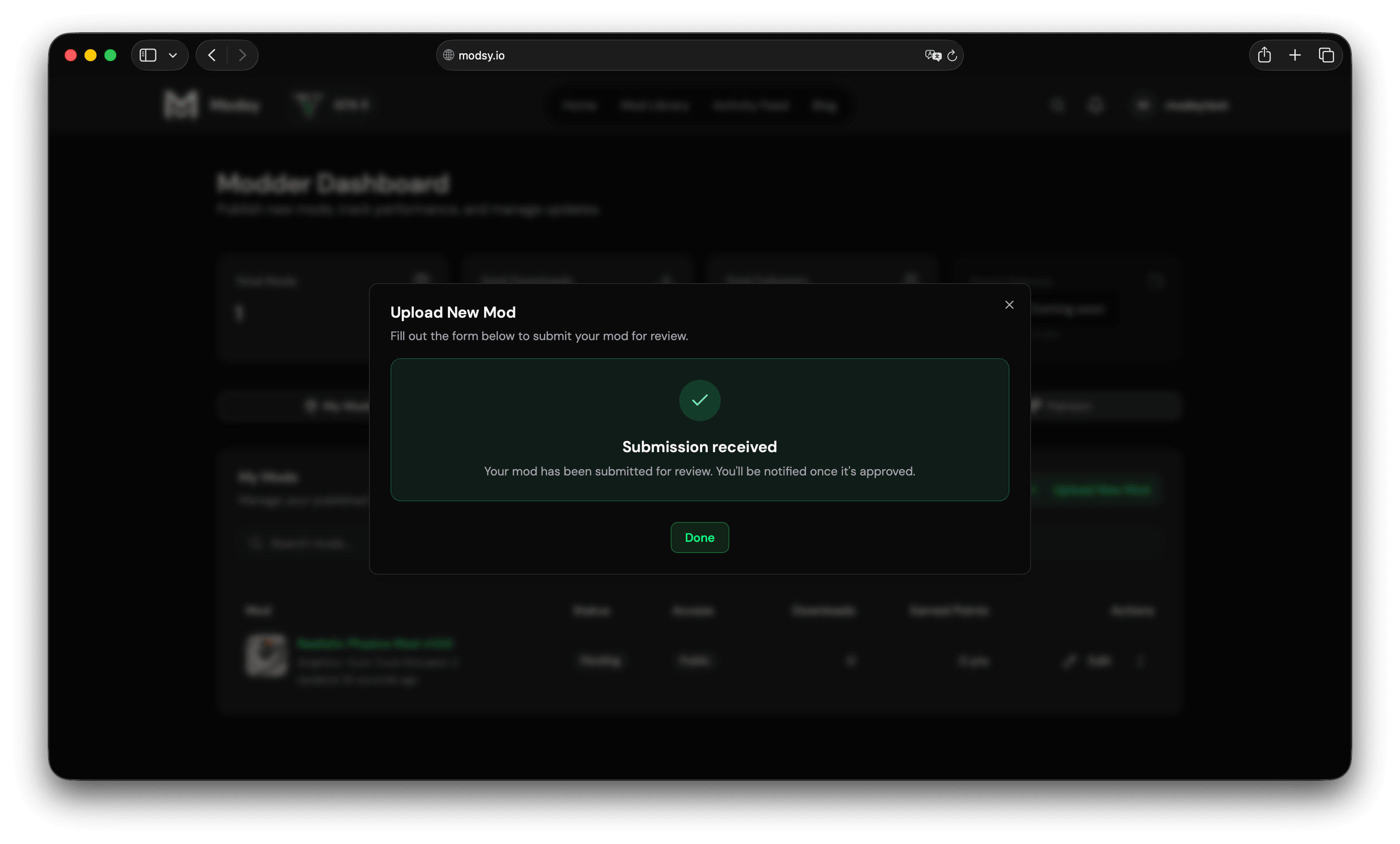
Approval & Publishing
Your mod is reviewed and published once it is approved.
Click to enlarge
What Happens Next?
Your mod reaches real players
Review
Every mod goes through review before it reaches players.
Go Live
Approved mods become public with their own dedicated mod page.
Build Your Audience
Players can download, comment on, and follow your work.
After Your First Mod
Choose only the tools your workflow needs
The creator documentation contains the maintained setup and troubleshooting steps for Patreon, Lemon Squeezy, and desktop integrations.
Patreon supporter access
Connect campaigns and map paid tiers to premium or early-access mods.
Read guideLemon Squeezy subscriptions
Connect your store, signed webhook, and recurring products.
Read guideDesktop App Auth
Let an installer or companion app ask Modsy for the signed-in user’s entitlement.
Read guideReady to Publish Your First Mod?
Open the dashboard checklist, verify your email, approve the rules, and unlock your Modder tools.